0
0
0 results
iTeroED

The list is empty right now.

0
0
Filters
clear all

Content Content
Full mouth rehabilitation and restoration
Chairside dentistry
Full edentulous denture
Smile makeover
3D printing applications
Orthodontics
Pre-alignment with restorative
Patient communication & practice growth
Dental implants
iTero Lab
iTero Lumina™
Restorative
pediatric dentistry
iTero Multi-Direct Capture™ technology
iTero applications iTero applications
iTero™ NIRI technology (Near Infra-Red Imaging)
iTero™ TimeLapse technology
iTero™ Occlusogram
Scan report
Invisalign® Outcome Simulator
Invisalign® Outcome Simulator Pro
Invisalign® Progress Assessment tool
MyiTero™ portal
Align Oral Health Suite
iTero™ Design Suite
side-by-side 3D Compare
Apply
0 results
iTeroED

The list is empty right now.

How to schedule a check-up for the scanner

To schedule a check up for your scanner, contact iTero Support Team for assistance. Please provide the scanner serial number (refer to 'How to find the serial number of the scanner') and prepare the Team Viewer credentials so we can assist you (refer to 'How to allow iTero Support Team to connect with your scanner').

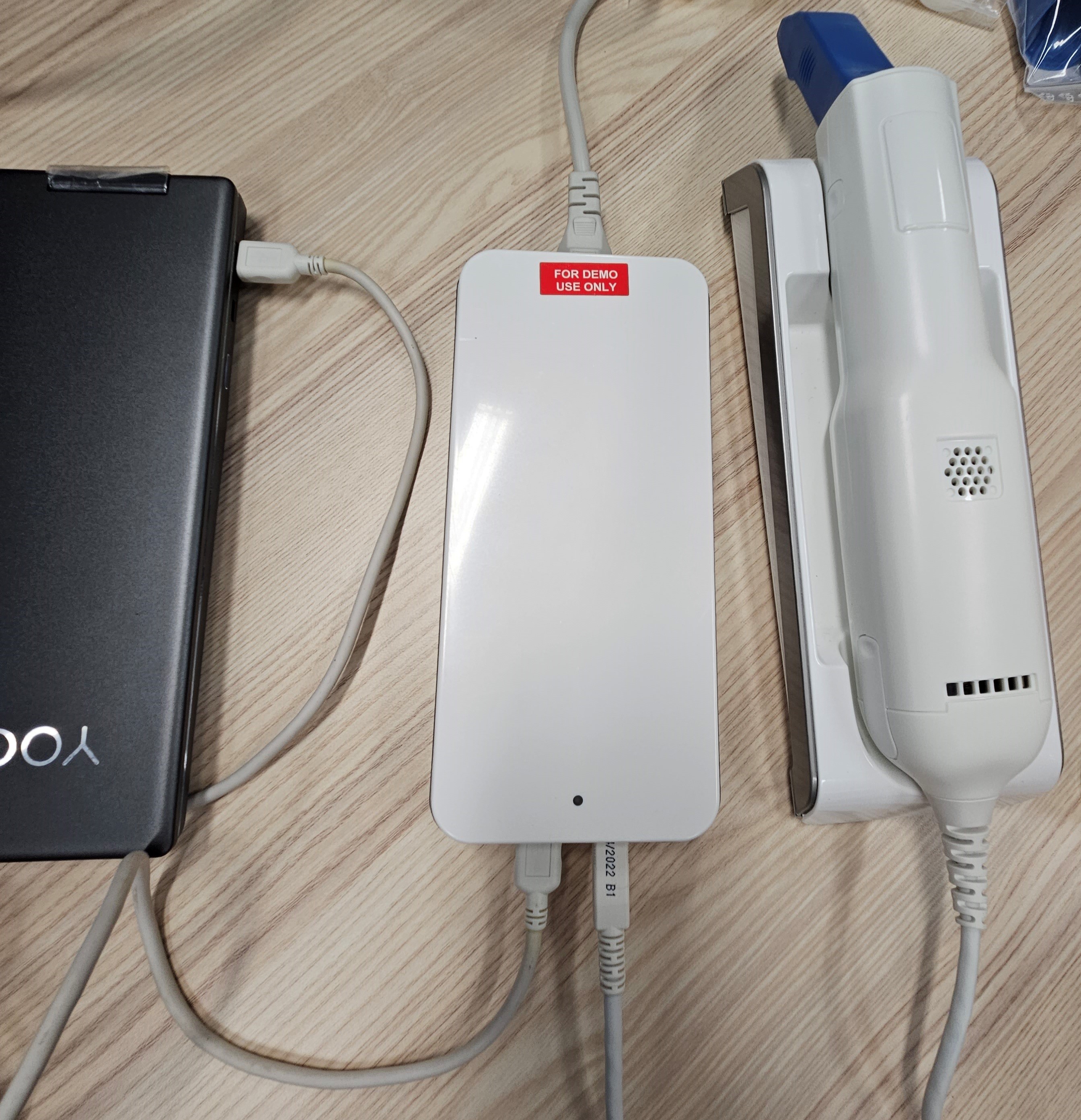
Scanner check up is free of charge for all iTero scanners under warranty and this process will take about 40 minutes to 1 hour depending on the internet connection speed. If you are using an iTero Element™ Flex scanner, ensure that your laptop is connected to a charger along with the scanner hub and the iTero wand.